01
Create your home
An adult (18+) starts the household in under two minutes. Add parent-managed profiles for kids—children never need an email address, password, or phone of their own.
Chores that rotate fairly, dinners planned in minutes, shift-ready calendars, and recipes passed between homes—built for busy parents on their phones, with zero ads.
An adult (18+) starts the household in under two minutes. Add parent-managed profiles for kids—children never need an email address, password, or phone of their own.
Generate a private invite link (kinhouse.app/join/CODE) and send it via text to your partner, co-parent, grandparent, or sitter with Owner, Adult, or Viewer access.
Chores rotate automatically, weekly dinners scale to who is eating at home, shift schedules stay clear, and gentle push nudges replace family nagging.
No more arguing over whose turn it is to unload the dishwasher. Kinhouse rotates tasks automatically across adults and parent-managed kid profiles, tracks gentle household streaks, and celebrates finished lists with a burst of confetti.
Map out seven nights of dinner in two minutes, scale recipe ingredients from 2 to 8 servings in a single tap, and pass favourite family recipes directly between households—from your kitchen to Grandma's.
Built for nurses, firefighters, pilots, and parents on rotating rosters. Layer early, late, and night shifts right beside school pickups and custody days so everyone knows who is home before asking.
Modern families don't always live under one roof. Switch effortlessly between co-parenting homes, grandparents' houses, or caregiver schedules using direct invite links (kinhouse.app/join/CODE) and clear Owner, Adult, or Viewer roles.
Kinhouse never yells with guilt-inducing red counters. Get a quiet morning summary of today's shifts, dinner plan, and chores—plus respectful push nudges only when something genuinely needs a hand.
No ads. No data brokers. No selling your grocery lists or training public AI models on your family calendar. Export your household data anytime, or delete your account and storage in one tap.
Every screen is built for a 390×844 phone viewport—readable at a glance while holding a toddler or a grocery bag.
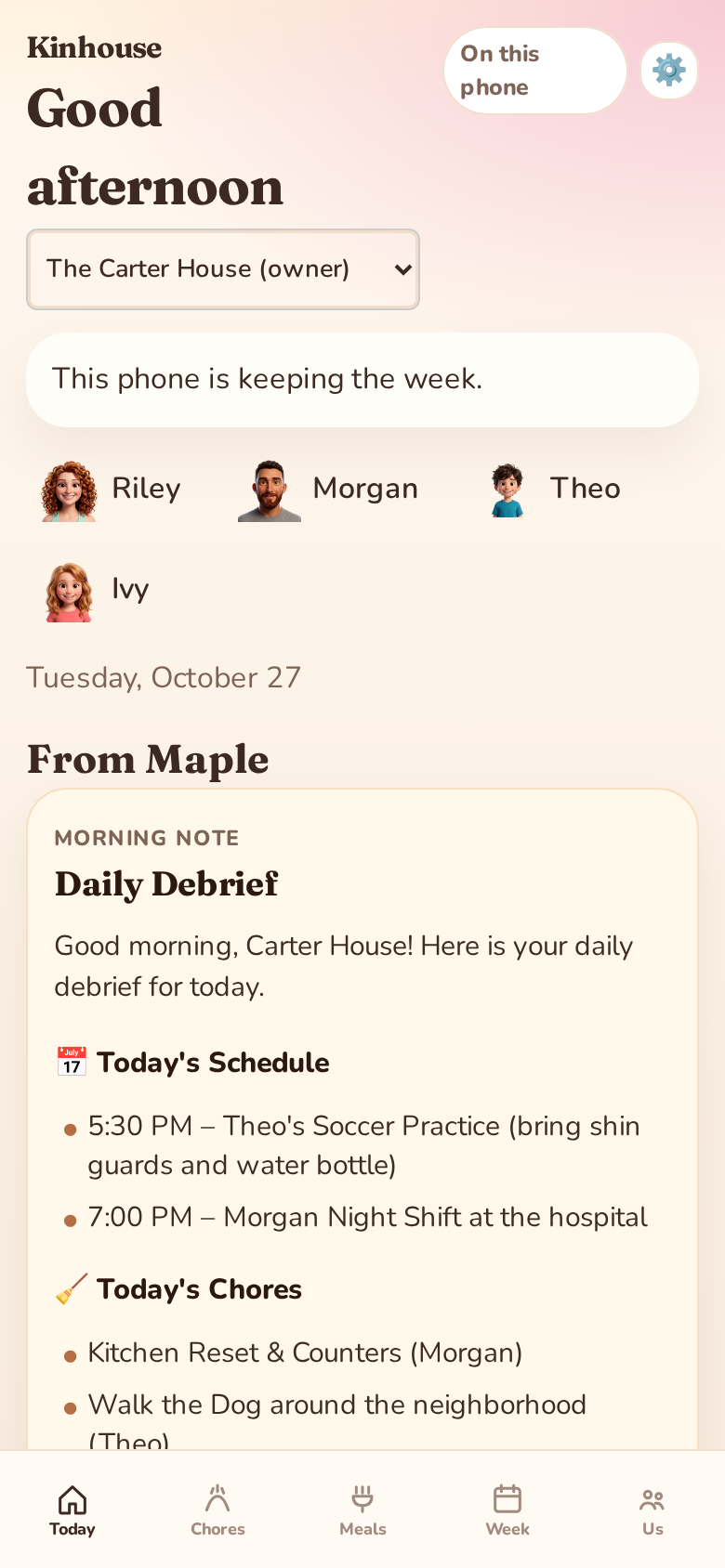
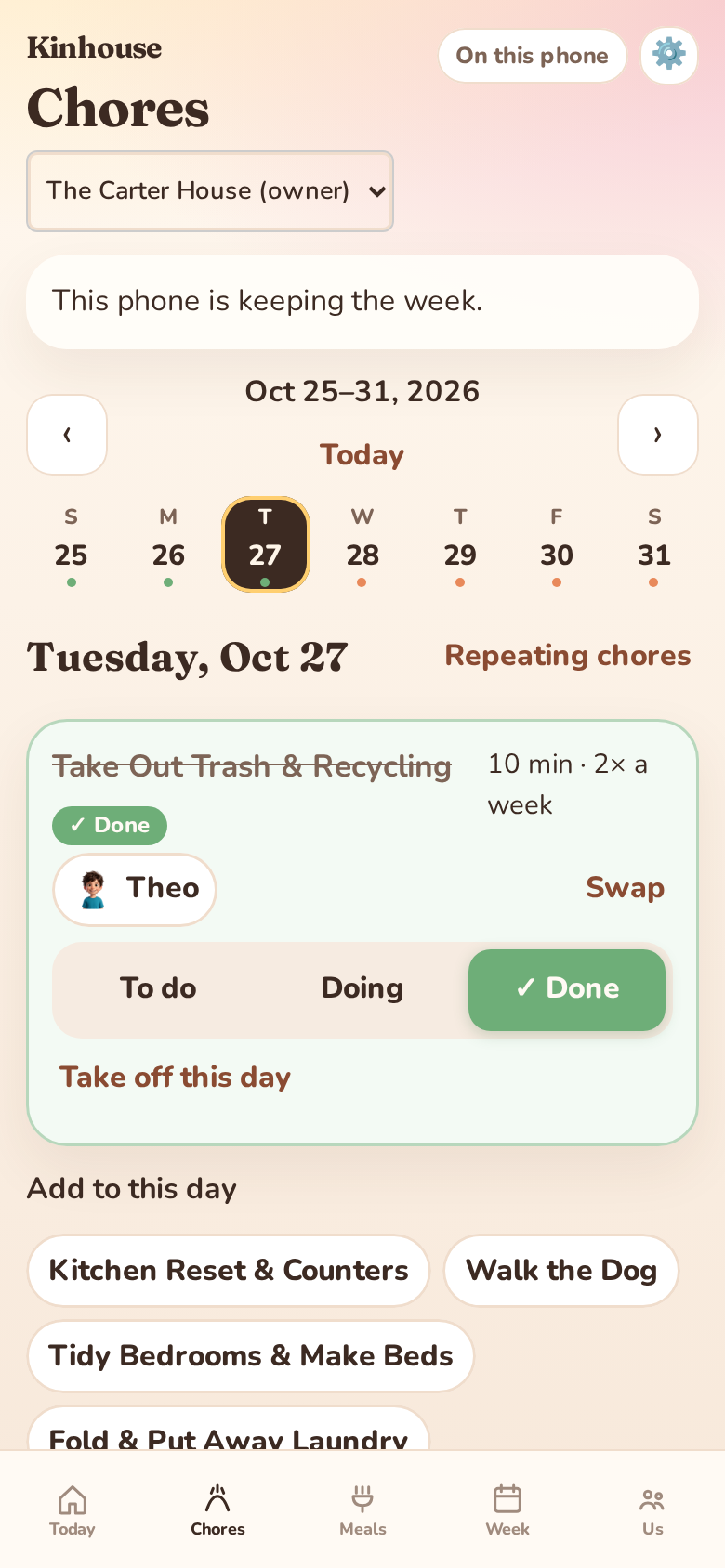
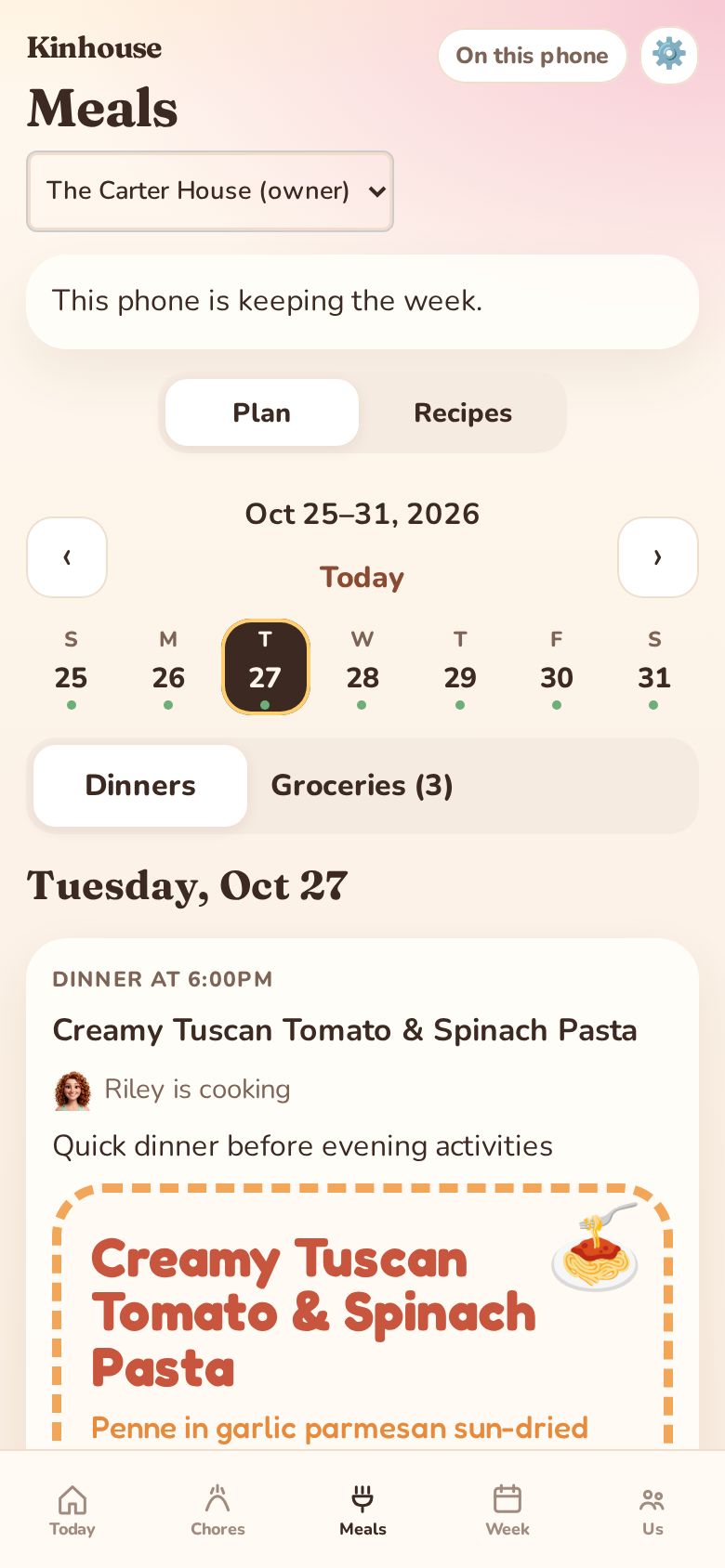
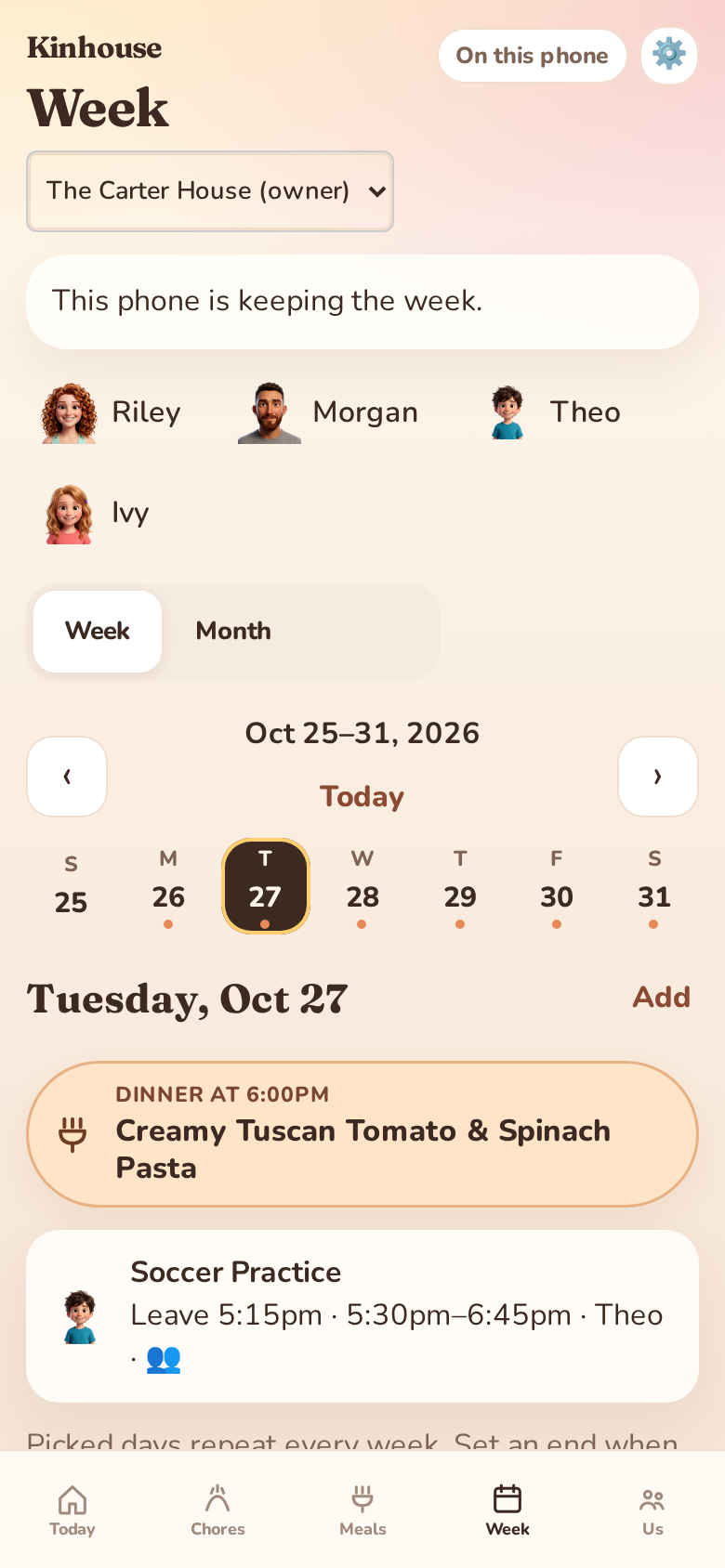
Today · Your morning debrief, who is on shift, tonight's dinner, and the three chores that matter today.
Family apps hold the most intimate rhythm of your life—when you work, what your kids eat, and who is home. We built Kinhouse on four non-negotiable rules.
We never run advertisements, never broker household data, and never track your family across the web.
Only adults (18+) can create accounts. Children participate through parent-managed profiles—we never collect children's emails or phone numbers.
When you use morning debriefs or meal ideas, only minimal context (first names, chore/meal titles) is processed—never emails, passwords, or training data.
Download your household recipes, calendars, and lists anytime, or permanently delete your account and storage in-app or via /delete-account.
Kinhouse is coming soon to Android on Google Play. Leave your email and we will send your household invite code as soon as the doors open.